

Blog
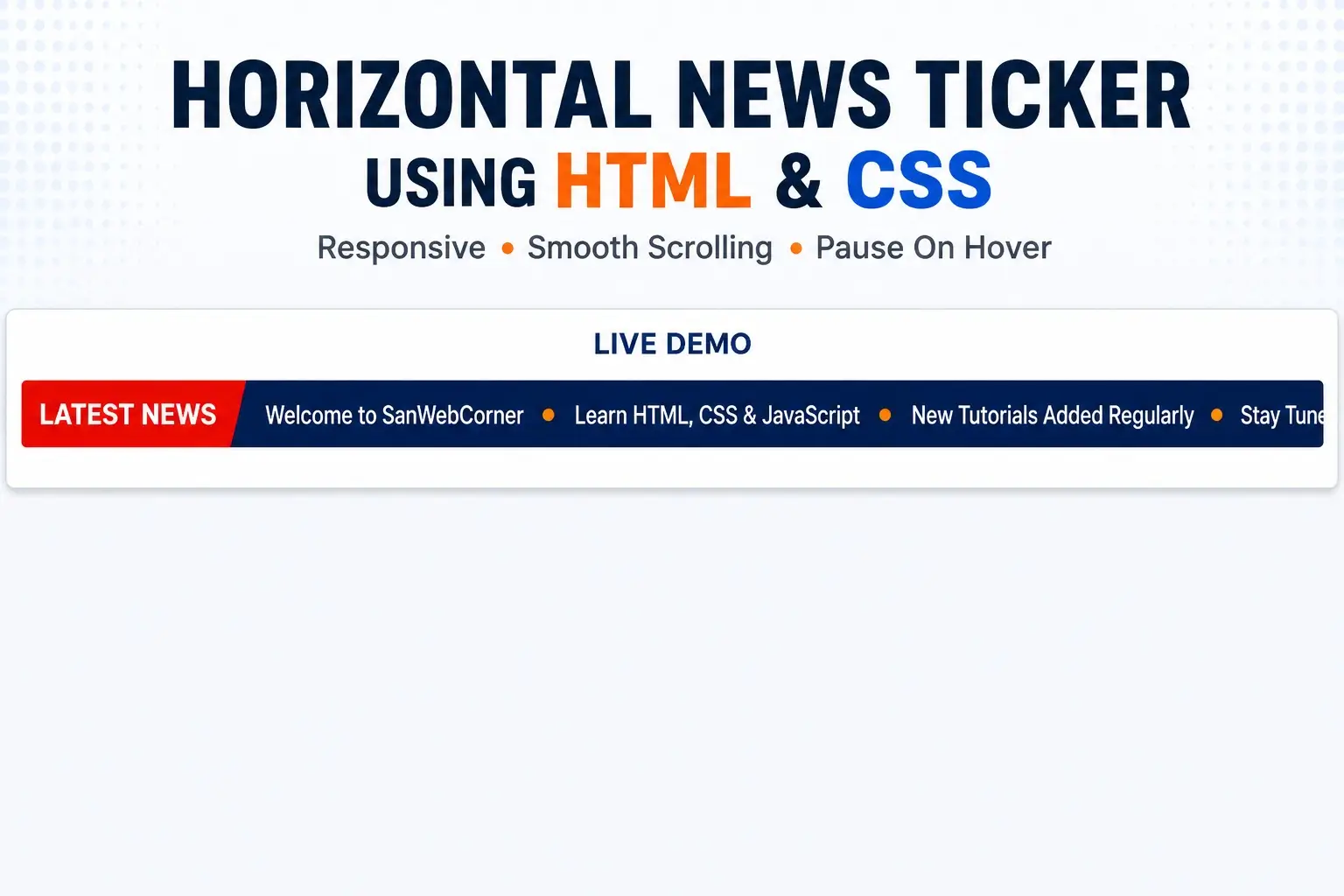

How to Create a Horizontal News Ticker Using HTML and CSS
A horizontal news ticker is a simple way to display breaking news, announcements, offers, product updates, or other important messages across a website.
Older tutorials often used the HTML <marquee> element to create scrolling text. That element is deprecated, so modern websites should use CSS animations and transforms instead. In this tutorial, you will build a horizontal marquee-style news ticker using HTML and CSS, without the <marquee> tag.
What Is a Horizontal News Ticker?
A horizontal news ticker displays short pieces of content that move continuously across a section of a webpage. It is commonly used for breaking news, website announcements, promotional messages, sports updates, event announcements, and product notices.
Live Demo
Below is the live demo to test the scrolling animation, hover-to-pause behavior, and responsive layout.
Horizontal News Ticker Demo
This demo uses modern CSS animation instead of the deprecated <marquee> tag.
Tip: hover over the ticker to pause the animation.
HTML Structure
<div class="news-ticker" role="region" aria-label="Latest news">
  <div class="news-label">Latest News</div>
  <div class="ticker-wrapper">
    <div class="ticker-track">
      <div class="ticker-group">
        <span>Welcome to SanWebCorner</span>
        <span>Learn HTML, CSS and JavaScript</span>
        <span>New web development tutorials added regularly</span>
      </div>
      <div class="ticker-group" aria-hidden="true">
        <span>Welcome to SanWebCorner</span>
        <span>Learn HTML, CSS and JavaScript</span>
        <span>New web development tutorials added regularly</span>
      </div>
    </div>
  </div>
</div>
The content group is duplicated so the animation can loop smoothly without a large empty gap. The second copy is marked aria-hidden=”true” so assistive technologies do not read duplicate news items.
CSS for the News Ticker
* { box-sizing: border-box; }

body {
  margin: 0;
  font-family: Arial, Helvetica, sans-serif;
  background: #f5f7fb;
  color: #1f2937;
}

.demo-page {
  width: min(100% - 32px, 960px);
  margin: 64px auto;
}

h1 { margin-bottom: 8px; }

.news-ticker {
  display: flex;
  align-items: stretch;
  margin-top: 28px;
  overflow: hidden;
  border-radius: 8px;
  background: #1e73be;
  color: #fff;
  box-shadow: 0 8px 24px rgba(0,0,0,.08);
}

.news-label {
  flex: 0 0 auto;
  display: flex;
  align-items: center;
  padding: 14px 20px;
  background: #155a96;
  font-weight: 700;
  position: relative;
  z-index: 2;
}

.ticker-wrapper {
  flex: 1;
  overflow: hidden;
  white-space: nowrap;
}

.ticker-track {
  display: flex;
  width: max-content;
  will-change: transform;
  animation: ticker-scroll 22s linear infinite;
}

.ticker-group {
  display: flex;
  align-items: center;
  gap: 48px;
  padding: 14px 24px;
}

.ticker-group span::after {
  content: "•";
  margin-left: 48px;
}

.ticker-group span:last-child::after { margin-left: 48px; }

.ticker-wrapper:hover .ticker-track,
.ticker-wrapper:focus-within .ticker-track {
  animation-play-state: paused;
}

@keyframes ticker-scroll {
  from { transform: translateX(0); }
  to { transform: translateX(-50%); }
}

.hint { color: #6b7280; font-size: 14px; }

@media (max-width: 600px) {
  .news-label { padding: 12px; font-size: 14px; }
  .ticker-group { padding-block: 12px; gap: 32px; }
  .ticker-group span::after { margin-left: 32px; }
}

@media (prefers-reduced-motion: reduce) {
  .ticker-wrapper { white-space: normal; }
  .ticker-track {
    width: 100%;
    animation: none;
    transform: none;
  }
  .ticker-group {
    flex-wrap: wrap;
    width: 100%;
  }
  .ticker-group[aria-hidden="true"] { display: none; }
}
How the Animation Works
The .ticker-track element contains two identical content groups. The animation moves the complete track left by 50%, which corresponds to the width of one group. Because the second group follows immediately after the first, the ticker restarts seamlessly.
@keyframes ticker-scroll {
from { transform: translateX(0); }
to { transform: translateX(-50%); }
}
Pause the Ticker on Hover
Pausing the ticker on hover gives visitors time to read an individual message.
.ticker-wrapper:hover .ticker-track,
.ticker-wrapper:focus-within .ticker-track {
animation-play-state: paused;
}
Change the Scrolling Speed
The scrolling speed is controlled by the animation duration. A smaller value moves faster; a larger value moves slower.
.ticker-track {
animation: ticker-scroll 22s linear infinite;
}
For longer news items, try 25 to 35 seconds. For shorter tickers, 12 to 20 seconds may work better.
Responsive Behavior
The ticker already uses a flexible layout, but the included media query reduces padding and spacing on smaller screens. You can adjust the breakpoint or font size based on your theme.
Accessibility: Reduced Motion
Some users prefer to reduce animation. The demo respects the prefers-reduced-motion setting by stopping the ticker animation and displaying the news items as static content.
@media (prefers-reduced-motion: reduce) {
.ticker-track {
animation: none;
transform: none;
}
.ticker-group[aria-hidden=”true”] {
display: none;
}
}
Why You Should Avoid the HTML Marquee Tag
The <marquee> element is obsolete and deprecated. Although some browsers may still display it, it should not be used in new projects. CSS animations provide better control over speed, direction, responsiveness, hover states, and accessibility.
Simple Scrolling Text Without a News Label
If you only need scrolling text without the fixed Latest News label, you can use the same animation pattern with a simpler wrapper.
<div class=”scroll-text”>
<div class=”scroll-track”>
<span>This is scrolling text created without the marquee tag.</span>
<span aria-hidden=”true”>This is scrolling text created without the marquee tag.</span>
</div>
</div>
Frequently Asked Questions
What is the marquee tag in HTML?
The <marquee> tag is an old HTML element that automatically scrolls content. It is deprecated and should be replaced with CSS animation in modern projects.
How do I create scrolling text in HTML without marquee?
Use an overflow-hidden container and animate an inner track with CSS transform and @keyframes.
Can I create a news ticker using only HTML and CSS?
Yes. A continuously scrolling ticker can be created without JavaScript by using duplicated content groups and CSS animation.
How do I make the ticker scroll continuously?
Duplicate the content group and animate the combined track by exactly one group width. This creates a seamless loop.
How can I slow down the ticker?
Increase the animation duration, for example from 22s to 30s.
Is the HTML marquee tag still supported?
Some browsers may still render it, but it is deprecated and should not be relied on for modern web development.
You can also download the complete HTML and CSS source code used in this tutorial.
The download includes:
- Complete HTML file
- CSS news ticker animation
- Responsive styles
- Pause-on-hover effect
- Reduced-motion accessibility support