

Blog
Strong password validation using JavaScript

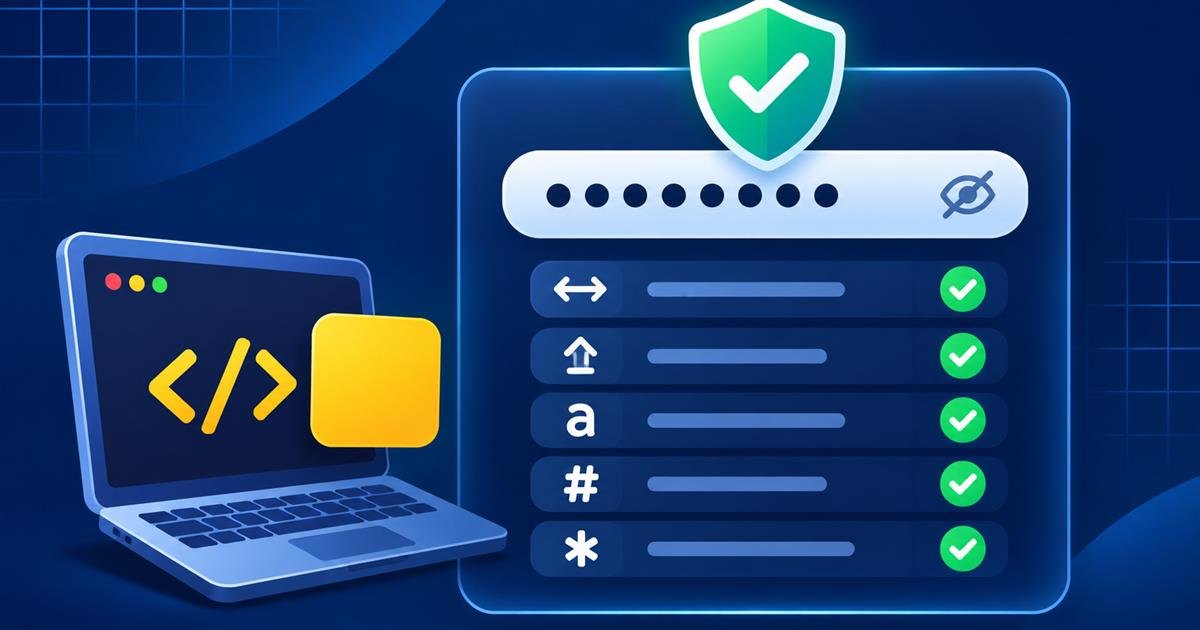
This JavaScript password checklist gives immediate feedback as a visitor types. We will check minimum length and a few character types, then update both a visual list and an accessible status message. The example is intentionally a front-end learning demo; it does not create or secure an account.
Interactive example
Password checklist
Try made-up sample text to see each requirement update. Please do not use a password you rely on.
Enter sample text to check the list.
- At least 12 characters
- A lowercase letter
- An uppercase letter
- A number
- A symbol
Privacy: this demo checks locally in the page. It is not sent or saved. Use a made-up sample.
What the checklist checks
The demo has five independent checks: 12 or more characters, a lowercase letter, an uppercase letter, a number, and a symbol. The list updates as you type, so visitors can see which items are met. These are simple teaching rules, not a universal definition of a secure password.
Build the HTML structure
Use a labeled password input, a list of rules, and a live status region. A button controls visibility; it should not submit a form.
<label for="password">Sample password</label>
<input id="password" type="password" autocomplete="off">
<p id="status" aria-live="polite"></p>
<ul>
  <li data-rule="length">At least 12 characters</li>
  <li data-rule="upper">An uppercase letter</li>
</ul>
Check each rule with JavaScript
Store the rules as small test functions. For every input event, evaluate each rule, toggle a class on the matching list item, and update the progress message.
const rules = [
  ['length', value => Array.from(value).length >= 12],
  ['lower', value => /[a-z]/.test(value)],
  ['upper', value => /[A-Z]/.test(value)],
  ['number', value => /[0-9]/.test(value)],
  ['symbol', value => /[^A-Za-z0-9\s]/.test(value)]
];

function updateChecklist(value) {
  let passed = 0;
  for (const [name, test] of rules) {
    const match = test(value);
    document.querySelector('[data-rule="' + name + '"]')
      .classList.toggle('pass', match);
    if (match) passed++;
  }
  status.textContent = passed + ' of ' + rules.length + ' items met.';
}
Add a show and hide button
Keep the control keyboard accessible and expose its state with aria-pressed. The label and input must remain associated when the visibility changes.
toggle.addEventListener('click', () => {
  const reveal = password.type === 'password';
  password.type = reveal ? 'text' : 'password';
  toggle.textContent = reveal ? 'Hide' : 'Show';
  toggle.setAttribute('aria-pressed', String(reveal));
});
Production security notes
- Browser-side checks help with feedback, but account rules must also be enforced on the server.
- Never store or log plaintext passwords. Use a maintained password-hashing library with a unique salt.
- Encourage long, unique passwords and support password managers and paste.
- Consider checking proposed passwords against known compromised-password data with a privacy-preserving method.
- Do not claim that a character checklist proves a password is secure.
Frequently asked questions
Does this demo send the sample text anywhere?
No. The interaction stays in the browser and does not submit or save the value. Use made-up sample text only.
Is a password secure if every rule passes?
Not necessarily. The checklist cannot detect reuse, predictability, or exposure. Use a long, unique password and a password manager.
Can JavaScript alone protect an account password?
No. Client-side validation is only feedback. The server must enforce rules and protect credentials using established security practices.
Conclusion
A live checklist is a useful JavaScript exercise for input events, regular expressions, and accessible feedback. Keep its limits clear: it is a user-interface aid, not a security guarantee. Download the standalone project to explore the complete responsive demo.