

Blog
Simple Vertical Tab using JavaScript and css

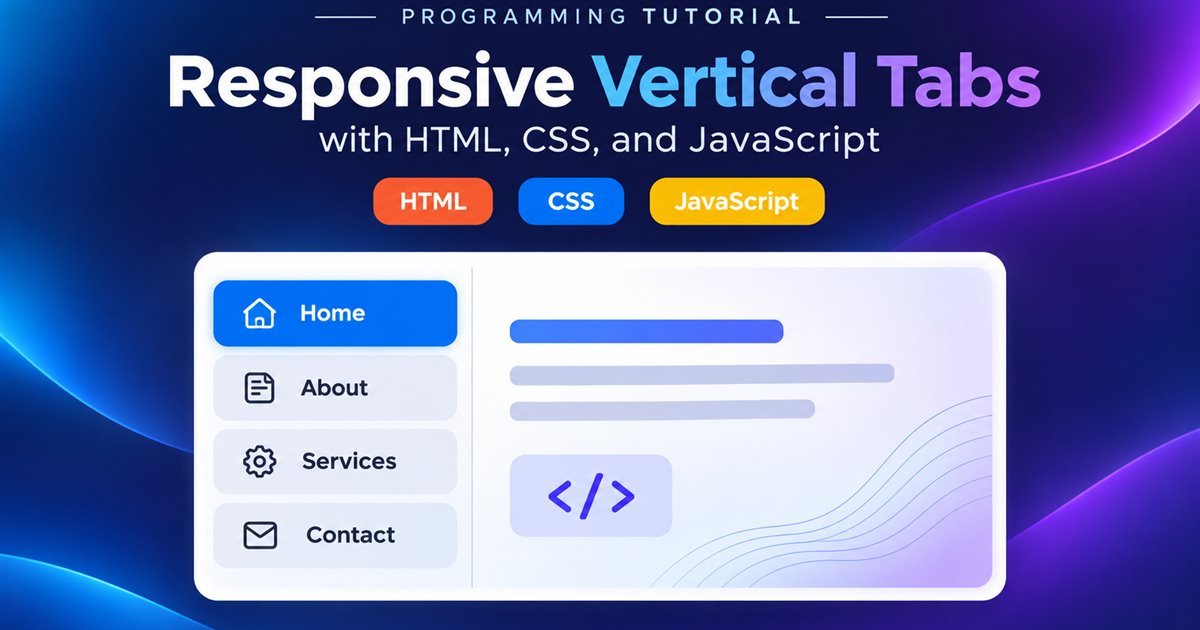
Switch between related content panels with a compact tab menu. Choose a tab or use the arrow keys; on small screens the tab list becomes a horizontal scrolling row.
Tabs keep related sections together, letting visitors switch views without leaving the page. Each label names the content panel it opens.
A selected tab remains active until another one is chosen. The active state and visible panel always stay in sync.
This example has four panels. JavaScript updates the selected state and hides the panels that are not active.
The last panel can provide a contact route, next step, or other information that completes the group.
Accessible relationships, keyboard navigation, and a responsive layout are built into the demo.
A tab interface contains a tab list and matching content panels. Each button points to its panel with aria-controls, while each panel names its tab with aria-labelledby. JavaScript shows the active panel and hides the others.
Use buttons for tabs so they work naturally with keyboards and assistive technology. Give every tab a unique ID and reference it from the matching panel.
<div role="tablist" aria-label="Sections">
  <button role="tab" id="tab-home" aria-controls="panel-home"
    aria-selected="true">Home</button>
</div>
<section role="tabpanel" id="panel-home"
aria-labelledby="tab-home">...</section>When a tab is selected, update aria-selected, set its tab stop to zero, hide inactive panels, and show the matching panel. The demo also supports Arrow keys and Home/End for quick keyboard navigation.
On wider screens, place the tab list beside the panel. At a narrow breakpoint, turn the list into a horizontally scrollable row so the content remains comfortable to read without squeezing the panel.
Yes, JavaScript connects the selected tab to the visible panel and updates the accessible states.
Yes. The demo switches to a horizontally scrollable tab row on small screens.
Vertical tabs offer a compact way to organize related content. A little JavaScript, clear ARIA relationships, and responsive CSS make the pattern easier to use across devices.