

Blog
Simple Breadcrumb Design with HTML and CSS

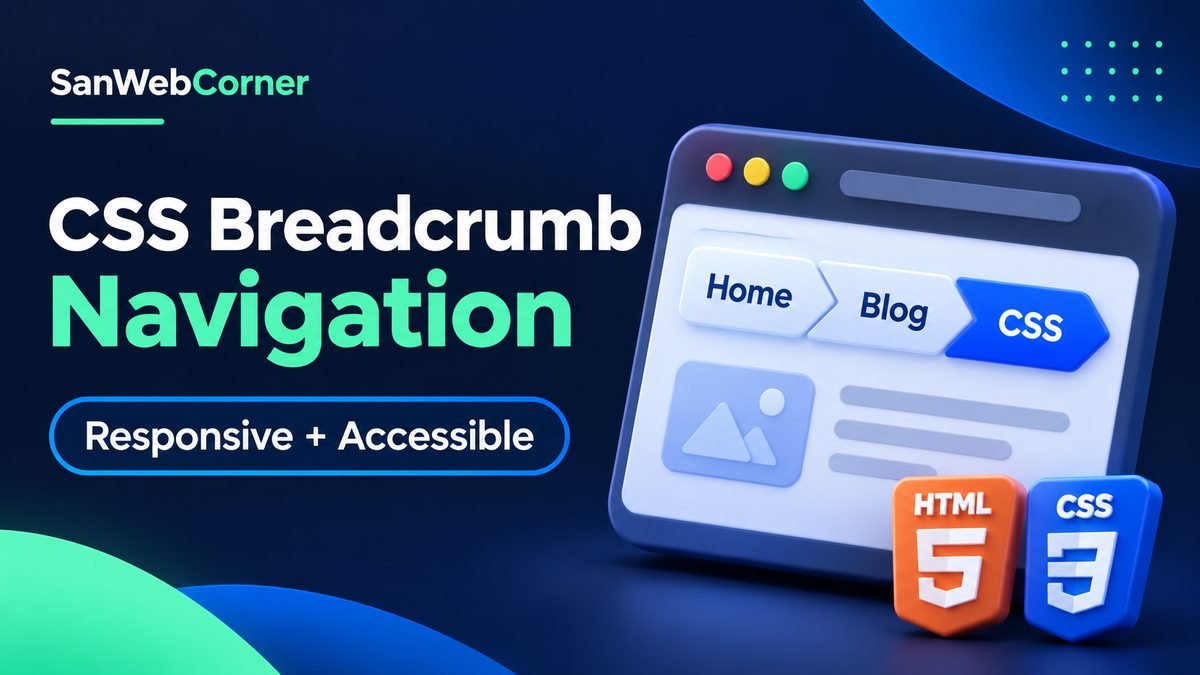
To create a simple breadcrumb design with CSS, place an ordered list inside a labeled navigation element, link the ancestor pages, and style the current page separately. Use a wrapping flex layout so the trail can handle small screens and long page titles.
This tutorial builds three variations from the same HTML: chevron, pill, and minimal breadcrumbs. The live preview includes a narrow-container mode, visible keyboard focus, decorative separators, and a complete downloadable source project.
What is breadcrumb navigation?
A breadcrumb shows the current page’s location within a site’s hierarchy. It usually starts with a higher-level page, follows the relevant parent sections, and ends with the current page. It represents the content structure rather than the visitor’s browsing history.
| Part | Purpose |
|---|---|
| Navigation landmark | Identifies the trail as a distinct navigation region. |
| Ordered list | Expresses the hierarchical sequence. |
| Ancestor links | Allow visitors to move to parent sections. |
| Current-page text | Shows the present location without an unnecessary self-link. |
| Decorative separators | Visually divide the items without adding extra spoken content. |
Live demo: simple CSS breadcrumb styles
Switch between three styles and test the long current-page label at a 320-pixel container width. The preview changes only this component’s width. The Home and Blog links point to real SanWebCorner pages.
Try three CSS breadcrumb styles
The navigation itself uses HTML and CSS. Optional controls switch its appearance and preview a narrow container.
Home and Blog are real SanWebCorner links and leave this demo when followed. The current page is text. The long-label option is a layout sample.
Default chevron breadcrumb. The links work without JavaScript.
JavaScript is optional and only enables the preview controls.
1. Start with semantic HTML
Use a nav with a descriptive label and an ordered list. The ancestors are normal anchors. The last item can be plain text with aria-current="page":
<nav aria-label="Breadcrumb">
  <ol class="breadcrumbs">
    <li><a href="/">Home</a></li>
    <li>
      <span class="separator" aria-hidden="true"></span>
      <a href="/blog/">Blog</a>
    </li>
    <li>
      <span class="separator" aria-hidden="true"></span>
      <span aria-current="page">CSS Breadcrumbs</span>
    </li>
  </ol>
</nav>
Replace the example URLs with your real ancestor pages. The W3C breadcrumb pattern recommends a labeled navigation landmark and explains the current-page state. Standard links provide the keyboard behavior; this is not a menu widget requiring arrow-key navigation.
2. Lay out the trail with flexbox
.breadcrumbs {
  display: flex;
  flex-wrap: wrap;
  align-items: center;
  gap: 12px;
  margin: 0;
  padding: 0;
  list-style: none;
}
.breadcrumbs li {
  display: flex;
  align-items: center;
  gap: 12px;
  min-width: 0;
  max-width: 100%;
}
.breadcrumbs a,
.breadcrumbs [aria-current="page"] {
  min-width: 0;
  overflow-wrap: anywhere;
}
Avoid fixed heights and white-space: nowrap when you want the trail to wrap. MDN’s flex-wrap reference explains how items can move onto additional lines. Long translated titles and increased text size should have room to grow.
3. Create decorative chevron separators
Use a small bordered span for the arrow shape. Keeping it in an element marked aria-hidden="true" makes its decorative role explicit:
.separator {
  width: 8px;
  height: 8px;
  flex-shrink: 0;
  border-top: 2px solid #73899c;
  border-right: 2px solid #73899c;
  transform: rotate(45deg);
}
The demo changes these same separator spans into dots for the pill variation and slashes for the minimal variation. No icon font, image download, or extra library is needed.
4. Distinguish links, current page, hover, and focus
Give linked ancestors a clear interactive treatment and the current page a different background or text treatment. Keep focus visible for keyboard users, and avoid relying on a hover color alone.
.breadcrumbs a {
  display: block;
  padding: 10px 14px;
  border-radius: 7px;
  background: #294d70;
  color: #fff;
}
.breadcrumbs a:focus-visible {
  outline: 3px solid #eab25f;
  outline-offset: 3px;
}
.breadcrumbs [aria-current="page"] {
  padding: 10px 14px;
  border-radius: 7px;
  background: #b9f0e2;
  color: #103d32;
}
Do not turn an ancestor into a button or add a disabled attribute to a link to represent the current location. Use ordinary anchor semantics for navigation and plain text for the final item when a self-link is unnecessary.
Which breadcrumb style should you choose?
| Style | Visual treatment | Useful when |
|---|---|---|
| Chevron | Rectangular segments with arrow separators. | The hierarchy should stand out as a distinct component. |
| Pills | Rounded segments with dot separators. | The site already uses rounded navigation controls. |
| Minimal | Underlined ancestor links and slash separators. | The trail should remain visually quiet above the page heading. |
The variations use the same list and links. Only CSS changes their appearance. Choose the treatment that fits your site and remains clear at the smallest supported width.
Make breadcrumbs work on small screens
Keep short ancestor labels where they remain meaningful, let the row wrap, and allow a long current-page title to break within the available width. Do not hide every parent simply to make the row look shorter.
The demo’s narrow mode sets the preview container to 320 pixels, capped at its available width. It is a useful layout check, but it does not replace testing your complete page at mobile widths, larger text sizes, and browser zoom. Check that focus outlines are not clipped and links remain usable.
Breadcrumbs, SEO, and structured data
Meaningful ancestor links help people understand and explore the site hierarchy. CSS controls the visible design; it does not create BreadcrumbList structured data by itself.
If your site needs that markup, follow Google’s breadcrumb structured-data documentation and make the labels and URLs match the real hierarchy. A WordPress theme or SEO plugin may already generate it. Avoid adding a second conflicting trail. Structured data does not guarantee a particular search display or ranking.
This tutorial’s embedded design preview does not inject an extra JSON-LD block into the article. Keep production breadcrumb markup in the component or SEO system that owns your site’s real hierarchy.
Download and run the complete CSS breadcrumb project
Extract the ZIP and open index.html in a modern browser. The breadcrumb itself works without JavaScript; JavaScript only enables the style and layout preview controls.
css-breadcrumb-demo/
├── index.html
├── style.css
├── script.js
└── README.md
All styling and preview controls are local and need no framework or build process. Following the Home or Blog links navigates to SanWebCorner and needs a network connection. Replace those destinations when adapting the example to another site.
Common breadcrumb design problems
| Problem | Fix |
|---|---|
| The trail overflows on mobile | Enable wrapping, remove fixed widths/heights, and allow long labels to break. |
| Keyboard focus is invisible | Add a visible focus outline and leave space around each link. |
| Screen readers announce decorative separators | Keep them in explicitly hidden decorative elements. |
| Every item links to # | Use real ancestor URLs and a text item for the current page. |
| Two structured breadcrumb trails disagree | Coordinate the theme and SEO plugin around one accurate hierarchy. |
| Breadcrumbs show visited pages instead of parents | Build them from content hierarchy rather than browser history. |
Frequently asked questions
Do CSS breadcrumbs need JavaScript?
No. HTML and CSS provide the navigation and design. This demo uses JavaScript only for optional preview controls.
Should the current page be a link?
It can be, but a plain-text current item avoids an unnecessary self-link. The demo marks it with aria-current=”page”.
Should I use an ordered or unordered list?
This example uses an ordered list to express the hierarchy from ancestor to current page. Keep the list structure instead of presenting unrelated standalone links.
Are breadcrumbs the same as a Back button?
No. Breadcrumbs link to parent sections in the site structure. Back follows the visitor’s navigation history.
Can the same markup use different visual styles?
Yes. The demo’s chevron, pill, and minimal designs all style the same semantic HTML.
Will breadcrumb styling improve rankings automatically?
No. Useful navigation, real links, accurate hierarchy, and valid structured data are separate concerns from CSS appearance. No ranking outcome is guaranteed.
Try and adapt the three breadcrumb styles
Test each style with the long label and narrow container, then check keyboard focus and your real ancestor links. The download includes the complete HTML, CSS, optional preview script, and setup notes.