
Blog

CSS Animated Buy Now Button with HTML, CSS, and JavaScript
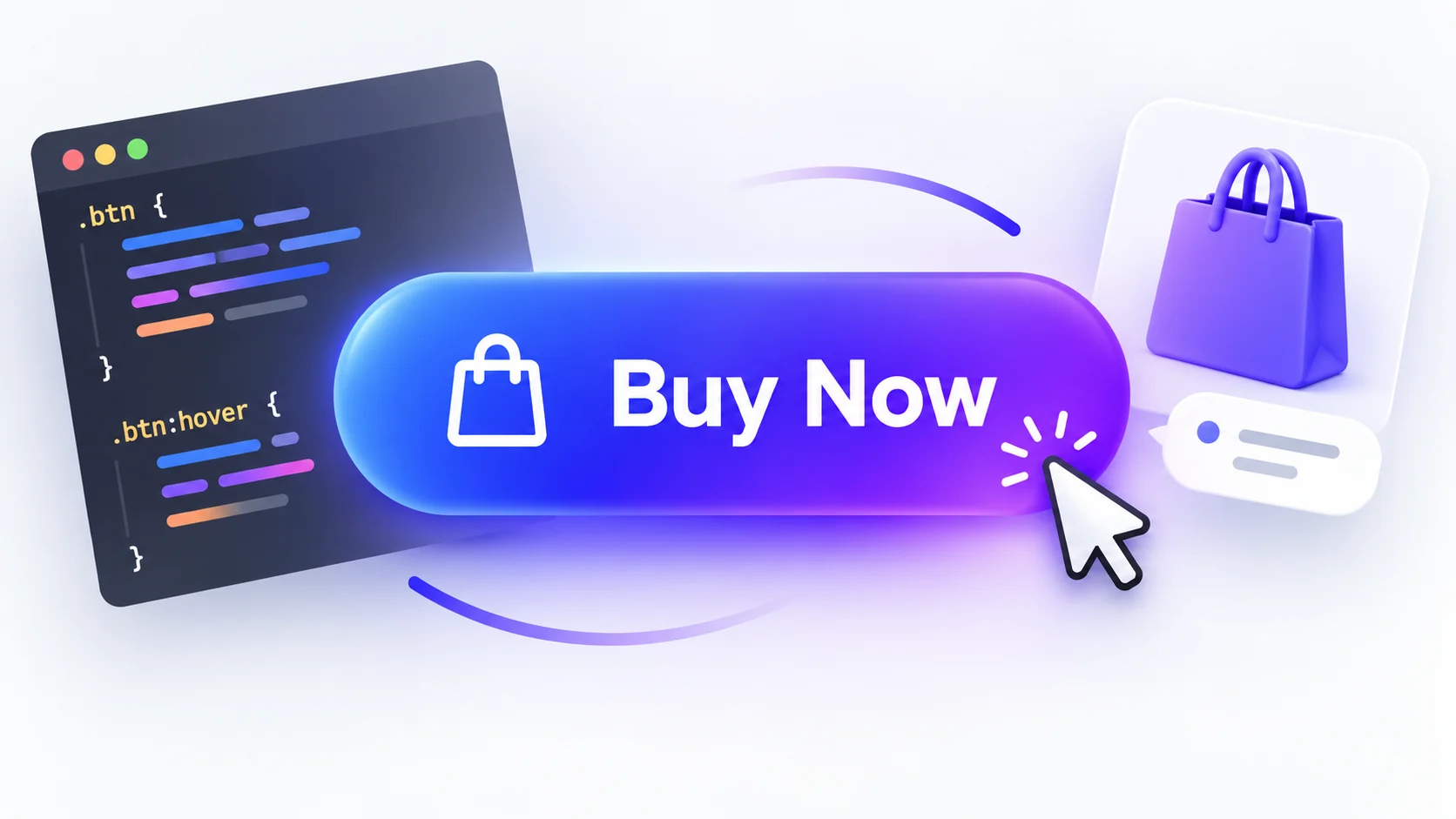
Create a responsive buy now button with a smooth hover lift, pressed state, and success animation. This tutorial combines semantic HTML, CSS transitions, and a small JavaScript interaction for a safe front-end demo. It does not connect to checkout or process payments.What the animation does
The button responds to pointer hover, keyboard focus, and activation. CSS adds a subtle lift and shadow on hover, a pressed effect on activation, and a confirmation icon for the demo state. JavaScript changes the label locally and provides a reset control. No order is created and no payment information is collected.Try the animated buy now button
Use the live example to preview the button states. Activate Buy now to see the confirmation animation, then choose Reset demo to return to the starting state.How the CSS animation works
The button usestransition for transform, box-shadow, and filter. On hover, transform: translateY(-3px) raises the button slightly while the shadow grows. The :active selector compresses it briefly, giving pointer users feedback. :focus-visible draws a clear outline for keyboard navigation.
The success state is controlled by the .is-added class. When JavaScript adds the class, the CSS swaps the bag icon for a check mark and plays a short check-pop keyframe. A reduced-motion media query shortens transitions and animation for visitors who request less motion.
HTML structure
Use a real<button> element for an action. It works with keyboards, exposes button semantics to assistive technology, and does not pretend to navigate to a checkout page. The demo includes an accessible status message and a reset button. The complete HTML, CSS, and JavaScript are shown in the code examples below.
Customize the button
- Change the gradient colors in
.buy-buttonto match your design system. - Adjust the hover lift and transition duration for a quieter or more energetic effect.
- Replace the sample price and product text with details that match your page.
- Keep the focus outline visible and retain the reduced-motion rule.
- Connect a production purchase button to a trusted checkout provider and server-side order flow; never collect or store card details in this visual demo.
Common issues
The hover animation does not appear
Confirm thatstyles.css is linked to the page and that another stylesheet is not overriding .buy-button:hover or its transition property.
The confirmation label does not change
Loadscript.js after the button markup and check that the IDs buy-button, reset-button, and demo-status match the HTML.
The button is not keyboard accessible
Keep the native<button> element and its :focus-visible outline. Avoid replacing it with a styled <div>.
Frequently asked questions
Can I make a buy now button animation with CSS only?
Yes. Hover, focus, and pressed effects can all use CSS. This tutorial adds a small JavaScript handler only to preview a persistent success state and reset it.Does this demo process a payment?
No. The interaction is local to the page. It does not submit an order, contact a payment service, or collect personal or payment information.Can I use the button in a real store?
You can adapt the visual design. Connect real purchases through a secure checkout provider and your server-side order workflow before using it for transactions.Summary
This animated buy now button uses accessible HTML, responsive CSS, and a small JavaScript demo state. Try its hover and confirmation effects in the live demo, then download the source files to customize the component.UI
Animated buy now button
Sample digital product
$49.00 sample demo price
Demo only. No payment or purchase will take place.
HTML: Accessible Buy Now Button
<section class="product-card" aria-label="Sample product purchase button">
  <div class="product-mark" aria-hidden="true">UI</div>
  <h2>Animated buy now button</h2>
  <p class="product-label">Sample digital product</p>
  <p class="price">$49.00 <span>sample demo price</span></p>
  <button class="buy-button" id="buy-button" type="button" aria-pressed="false">
    <svg class="bag-icon" viewBox="0 0 24 24" aria-hidden="true">
      <path d="M5 8h14l1 13H4L5 8Z" />
      <path d="M9 9V6a3 3 0 0 1 6 0v3" />
    </svg>
    <span class="button-label">Buy now</span>
    <svg class="check-icon" viewBox="0 0 24 24" aria-hidden="true">
      <path d="m5 12 4 4L19 6" />
    </svg>
  </button>
  <p class="demo-status" id="demo-status" role="status" aria-live="polite">Demo only. No payment or purchase will take place.</p>
  <button class="reset-button" id="reset-button" type="button">Reset demo</button>
</section>
CSS: Responsive Button Animation Styles
* { box-sizing: border-box; }

:root {
  color: #17233f;
  background: #f3f6fc;
  font-family: Inter, ui-sans-serif, system-ui, -apple-system, "Segoe UI", sans-serif;
  font-synthesis: none;
}

body { min-width: 320px; min-height: 100vh; margin: 0; display: grid; place-items: center; padding: 32px 18px; }
.demo { width: min(100%, 620px); text-align: center; }
.eyebrow { margin: 0 0 9px; color: #526ee8; font-size: .76rem; font-weight: 800; letter-spacing: .14em; text-transform: uppercase; }
h1 { margin: 0 auto 10px; font-size: clamp(1.7rem, 5vw, 2.5rem); line-height: 1.12; letter-spacing: -.04em; }
.intro { margin: 0 auto 25px; color: #62708b; line-height: 1.6; }
.product-card { width: min(100%, 390px); margin: auto; padding: 30px 25px 24px; border: 1px solid #e1e7f2; border-radius: 22px; background: #fff; box-shadow: 0 24px 70px rgb(30 48 91 / 13%); }
.product-mark { width: 56px; height: 56px; display: grid; place-items: center; margin: 0 auto 18px; border-radius: 17px; background: #eef0ff; color: #526ee8; font-size: 1.1rem; font-weight: 900; }
.product-label { margin: 0 0 7px; color: #62708b; font-size: .92rem; }
.price { margin: 0 0 22px; font-size: 1.7rem; font-weight: 850; letter-spacing: -.03em; }
.price span { display: block; margin-top: 3px; color: #7b879e; font-size: .76rem; font-weight: 500; letter-spacing: 0; }
.buy-button { position: relative; display: inline-flex; min-height: 54px; align-items: center; justify-content: center; gap: 11px; padding: 0 25px; border: 0; border-radius: 13px; background: linear-gradient(105deg, #3869ee, #8128df); box-shadow: 0 10px 22px rgb(82 71 220 / 27%); color: #fff; font: inherit; font-weight: 800; cursor: pointer; transition: transform 180ms ease, box-shadow 180ms ease, filter 180ms ease; }
.buy-button:hover { transform: translateY(-3px); box-shadow: 0 15px 27px rgb(82 71 220 / 34%); filter: saturate(1.12); }
.buy-button:active { transform: translateY(0) scale(.98); }
.buy-button:focus-visible, .reset-button:focus-visible { outline: 3px solid #93a7ff; outline-offset: 4px; }
.buy-button svg { width: 20px; height: 20px; fill: none; stroke: currentColor; stroke-linecap: round; stroke-linejoin: round; stroke-width: 1.8; transition: transform 180ms ease, opacity 180ms ease; }
.buy-button:hover .bag-icon { transform: translateY(-2px) rotate(-5deg); }
.check-icon { display: none; }
.buy-button.is-added { background: #16845b; box-shadow: 0 10px 22px rgb(22 132 91 / 24%); }
.buy-button.is-added .bag-icon { display: none; }
.buy-button.is-added .check-icon { display: block; animation: check-pop 240ms ease both; }
.demo-status { min-height: 1.5em; margin: 17px 0 13px; color: #66748f; font-size: .8rem; line-height: 1.5; }
.reset-button { padding: 7px 12px; border: 1px solid #dce3ef; border-radius: 8px; background: #fff; color: #445270; font: inherit; font-size: .8rem; font-weight: 700; cursor: pointer; }
@keyframes check-pop { from { opacity: 0; transform: scale(.55) rotate(-15deg); } to { opacity: 1; transform: scale(1) rotate(0); } }
@media (max-width: 420px) { .product-card { padding: 25px 18px 21px; } }
@media (prefers-reduced-motion: reduce) { *, *::before, *::after { scroll-behavior: auto !important; animation-duration: .01ms !important; animation-iteration-count: 1 !important; transition-duration: .01ms !important; } }
JavaScript: Safe Demo State and Reset
(() => {
  const button = document.querySelector("#buy-button");
  const reset = document.querySelector("#reset-button");
  const status = document.querySelector("#demo-status");
  if (!button || !reset || !status) return;

  button.addEventListener("click", () => {
    button.classList.add("is-added");
    button.setAttribute("aria-pressed", "true");
    button.querySelector(".button-label").textContent = "Added to demo cart";
    status.textContent = "Preview state only. No order was placed and no payment was collected.";
  });

  reset.addEventListener("click", () => {
    button.classList.remove("is-added");
    button.setAttribute("aria-pressed", "false");
    button.querySelector(".button-label").textContent = "Buy now";
    status.textContent = "Demo only. No payment or purchase will take place.";
    button.focus();
  });
})();