

Blog
How to Create a WhatsApp Link for a Website

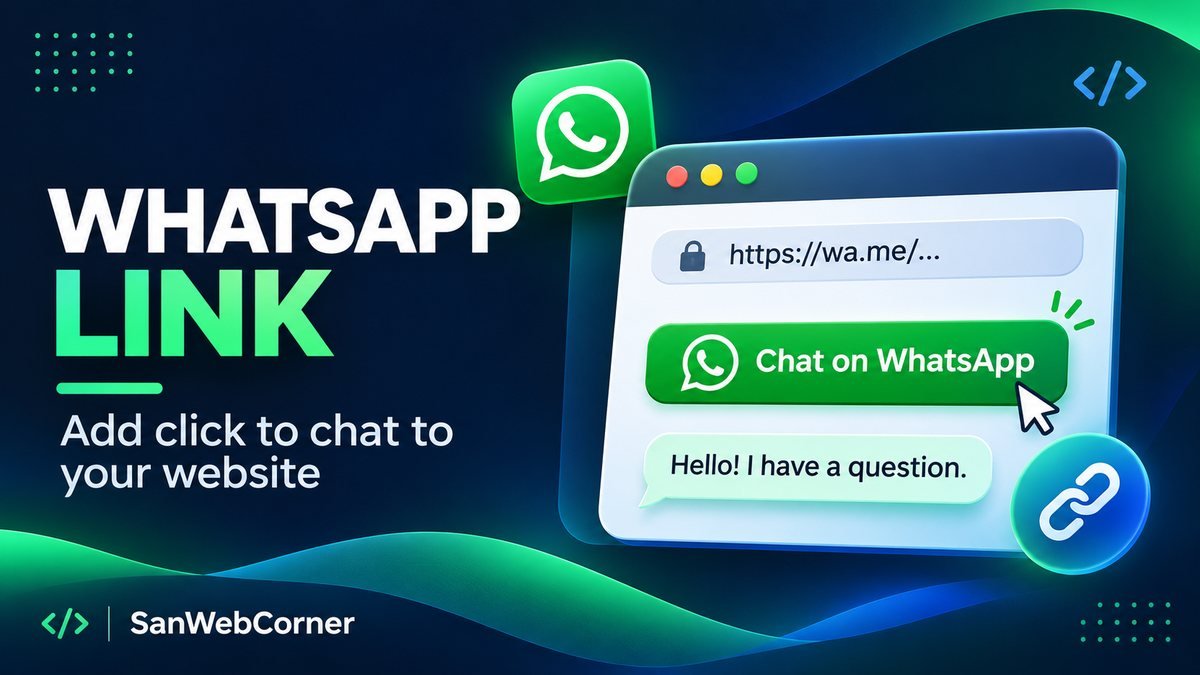
To create a WhatsApp link for a website, use https://wa.me/ followed by your full international phone number as digits. Add an optional ?text= parameter containing a URL-encoded message, then place the link in an HTML anchor.
This tutorial explains the number format, prefilled messages, website button markup, and common link mistakes. You can also use the local generator below and download its complete HTML, CSS, and JavaScript source.
WhatsApp link format at a glance
| Use case | URL pattern |
|---|---|
| Open a chat with a number | https://wa.me/COUNTRYCODEANDNUMBER |
| Add a draft message | https://wa.me/COUNTRYCODEANDNUMBER?text=ENCODED_MESSAGE |
| Let the visitor choose a contact | https://wa.me/?text=ENCODED_MESSAGE |
Replace the placeholders before using these patterns. WhatsApp’s official click-to-chat guide documents the formats and explains that a prefilled message appears as a draft.
Try the WhatsApp link generator
Enter a number with its country code and an optional message. Generate the URL, copy it, or inspect the website HTML. The formatting example is for demonstration; no active account is implied.
Build your click-to-chat link
Generate a link and HTML snippet locally. The generator does not send messages or save your entries.
Use a full international number. A leading +, spaces, parentheses, and hyphens are removed from the generated URL. Account availability is not checked.
Demo limit: 500 characters. The message stays a draft until the visitor chooses to send it.
This external link opens WhatsApp only when you select it. The formatting example does not imply an active account.
View website HTML
Ready. Add a number or use the formatting example.
Enable JavaScript to use the generator. The article below also shows plain HTML links.
1. Use the international phone number
Start with the country calling code and the correct international subscriber number. The final wa.me path contains digits only: no plus sign, spaces, parentheses, or hyphens. Do not paste an international access prefix such as 00 into the path.
The generator can remove common display punctuation, but it cannot infer a country code or repair country-specific domestic dialing rules. Keep zeros that are genuinely part of the international number; do not blindly remove every zero.
Formatting example only:
Displayed number: +1 (202) 555-0147
Digits in URL:   12025550147
URL structure:  https://wa.me/12025550147
The tool performs basic format checks, not account verification. A correctly formatted URL still needs a real, active WhatsApp recipient to work as a contact link.
2. Add the link to an HTML page
Use a normal anchor with descriptive text. A plain text link works without an icon library or JavaScript. If you open a new tab, tell the visitor and include the appropriate relationship attributes.
<!-- Replace the placeholder with your own full international number. -->
<a href="https://wa.me/COUNTRYCODEANDNUMBER"
   target="_blank" rel="noopener noreferrer">
  Chat on WhatsApp (opens in a new tab)
</a>
For a branded image button, use WhatsApp’s official downloadable assets and follow its button guidelines. The generator’s plain-text preview is a custom website link, not an official branded asset.
3. Prefill a message with JavaScript
Encode only the message component, then append it to the base URL. Special characters such as ampersands and question marks can change a query string if inserted without encoding.
const number = 'YOUR_DIGITS_ONLY_INTERNATIONAL_NUMBER';
const message = 'Hello! I have a question about your services.';
const url = 'https://wa.me/' + number +
  '?text=' + encodeURIComponent(message);
MDN’s encodeURIComponent() reference explains how it encodes a URL component. This handles message text containing spaces, line breaks, emoji, and supported Unicode characters. Use the original message as input, rather than encoding an already encoded string again.
4. Create readable website button styling
Keep the link text visible, provide a keyboard focus indicator, and use enough contrast. You can style the anchor like a button without nesting a button inside it.
.whatsapp-contact {
  display: inline-flex;
  align-items: center;
  min-height: 48px;
  padding: 12px 20px;
  border-radius: 8px;
  background: #087565;
  color: #fff;
  font-weight: 700;
  text-decoration: none;
}
.whatsapp-contact:focus-visible {
  outline: 3px solid #d9972f;
  outline-offset: 3px;
}
Add class="whatsapp-contact" to your anchor. Keep a floating contact button from covering page content or mobile controls if you choose a fixed position.
5. Copy and publish the generated link
The source project uses the Clipboard API for its Copy controls. If automatic copying is unavailable, it selects the output for manual copying. The MDN writeText() documentation notes that clipboard writing requires a secure context.
Replace the formatting example with your own intended contact number, test the link on your supported devices, and check the draft text. The generator does not send messages, verify the recipient, or confirm delivery.
Common WhatsApp link mistakes
| Problem | What to check |
|---|---|
| The number is rejected. | Use the full international number, with no + or display punctuation in the URL path. |
| The message stops at an ampersand. | Encode the message before appending it to the query string. |
| The link opens the wrong chat. | Check the country code and every digit of the intended receiver. |
| A valid-looking link does not reach an account. | Formatting alone cannot establish WhatsApp registration. |
| The copied HTML looks broken. | Use the complete generated anchor and keep quotes and HTML escaping intact. |
Download the complete generator
The ZIP contains index.html, style.css, script.js, and setup notes. Extract it and open index.html to generate links locally. No framework, server, or API key is needed for link generation.
Frequently asked questions
Can I create a WhatsApp website link without an API key?
Yes. A standard click-to-chat anchor uses the wa.me URL format. It is separate from building an automated WhatsApp Business Platform integration.
Does clicking the link automatically send the message?
No. A prefilled message is a draft. The visitor reviews it and chooses whether to send it in WhatsApp.
Should the WhatsApp link include a plus sign?
The displayed phone number may include a plus sign, but the wa.me path should contain the full international number as digits only.
Can I use the link on desktop and mobile?
WhatsApp documents click to chat for phones and WhatsApp Web. The exact handoff depends on the visitor’s device, browser, and WhatsApp setup.
Can this generator check whether a number uses WhatsApp?
No. It checks basic formatting and constructs the URL. It does not query account registration or send a test message.
Can I include private details in the prefilled text?
Use a generic opening message. The prefilled text is part of a URL, so avoid putting passwords, confidential records, or other sensitive details into it.
Conclusion
A useful WhatsApp contact link needs the correct international number, a properly encoded optional message, and a clear website anchor. Generate the code, verify the receiver yourself, and let the visitor decide when to start the conversation.